Applications Information
Displays application details
On the Application page,
to view a specific application's details; clicking the View Detail button (button with the eye icon).
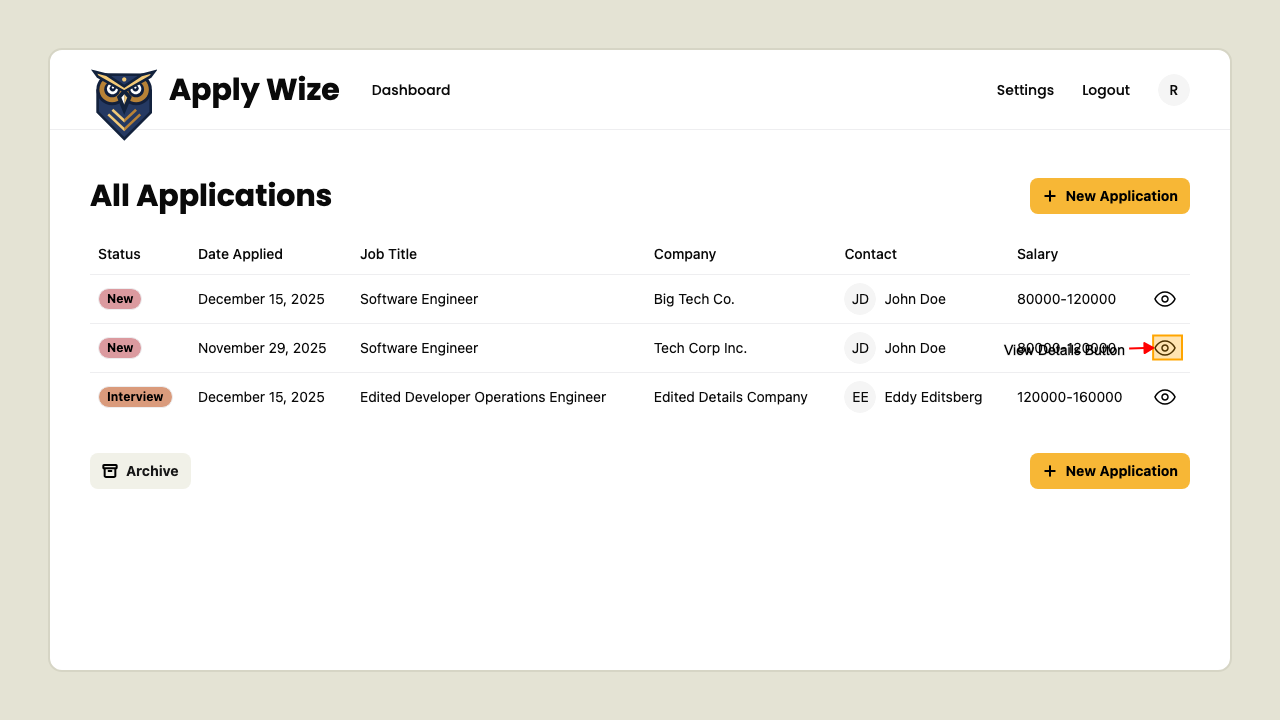 This will navigate to the Application Detail page.
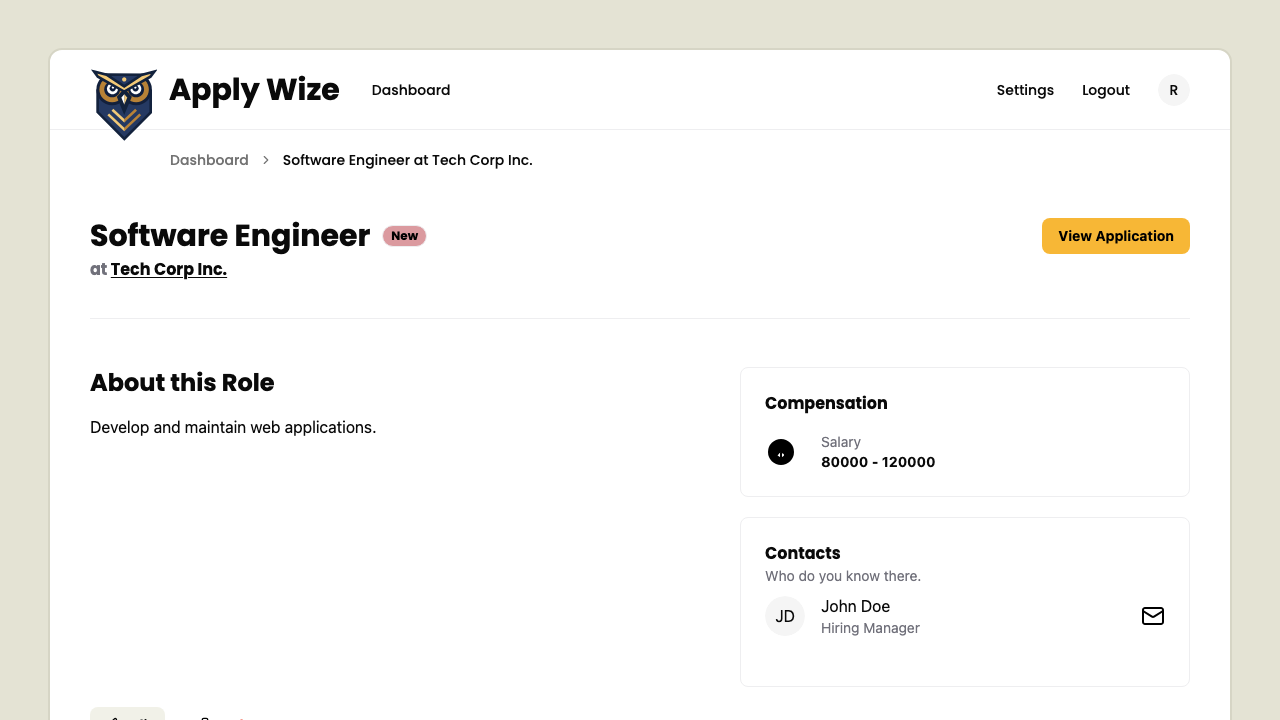
The Application Detail page
This page shows the details for a single job application, including its status, metadata, and related actions.
You can:
-
Navigate back using breadcrumbs
-
See the job title, company, and application status
-
Button linking to the original job posting
-
Main section describing the role
-
Compensation showing the salary range
-
Contacts section for related contacts
-
Edit to update the application details
-
Delete to remove the application